Kyocera MA 3500CIFX User Guide
This is a versatile and reliable color multifunction printer designed to meet the demanding printing, copying, scanning, and faxing needs of modern, mid-to-large-sized workgroups.
How to Unbox
In this video you will learn how to safely remove and install the Kyocera MA3500CIFX or MA4000cifx packaging.
How to Replace Toner
In this video you will learn how to easily remove and replace an empty toner cartridge from your Kyocera MA3500CIFX or MA4000CIFX printer. You will also learn how to remove new cartridges from their packaging and use that same packaging to properly dispose of spent toner cartridges.
How to Power ON and Physical Setup
In this video you will learn how to setup the Kyocera MA3500CIFX or MA4000CIFX printer.
How to Scan to USB
In this video, you will learn how to Scan a document to a USB thumb drive.
How to Remove a Paper Jam
In this video you will learn how to quickly remove paper jams which may occur in your Kyocera MA3500CIFX or MA4000CIFX printer.
Check out other models
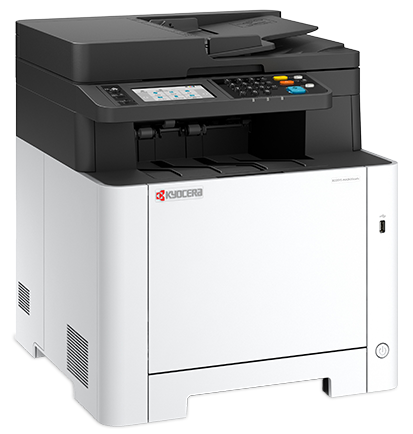
Kyocera MA 2600FX
A compact and efficient color all-in-one printer, specifically designed to handle low-to-mid volume color printing and scanning.
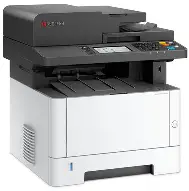
Kyocera MA 4000WIFX
A versatile black-and-white multi-function powerhouse featuring a touchscreen and Wi-Fi, ideal for therapy onboarding and mid-volume PPO environments.
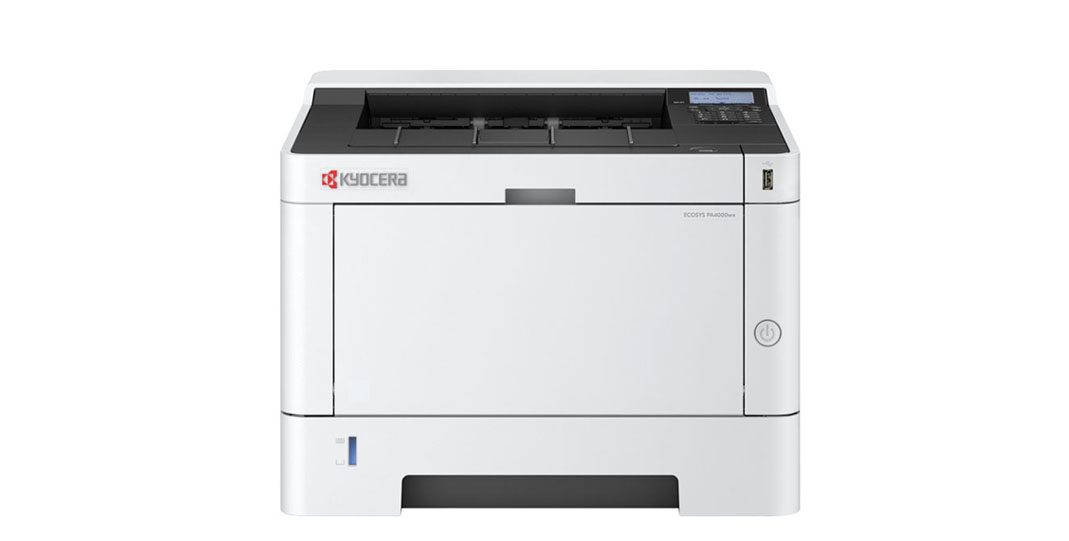
Kyocera PA 4000WX
A dedicated, high-speed black-and-white printer designed for reliable performance in EMAR emergency backups and onboarding stations.